
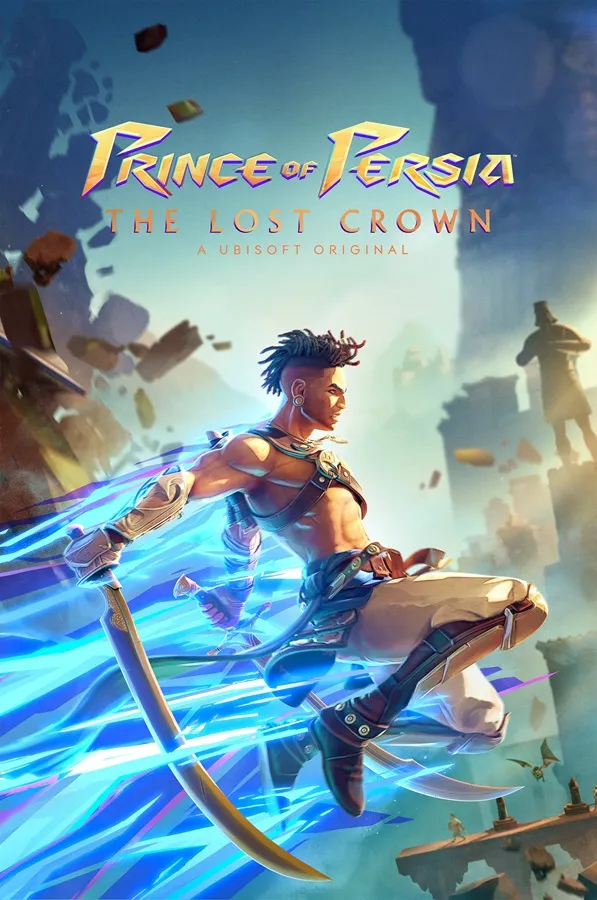
Prince of Persia The Lost Crown lets you play as Sargon, a skilled acrobat and sword fighter tasked with recovering the titular Lost Crown, an artifact capable of manipulating time itself.
Enable Integer Scaling
Enable Integer Scaling, you can learn how to enable that on the Legion Go here.

Change TDP
Change the TDP to 10W or 18W. You can learn how to change your TDP here.
Prince of Persia The Lost Crown Legion Go Game Settings
Prince of Persia The Lost Crown runs incredible on the Legion Go at a multiple of different settings. If you want the most battery, you can play at 800p locked at 10W with Integer Scaling and get well above 60 FPS.
If you want to play at native 1600p on your Legion Go you can put your TDP to 18W with my settings and average 60 FPS.


Graphic Settings
 | 10W
800p 4GB VRAM | 18W
1600p 4GB VRAM |
Display Mode | Fullscreen | Fullscreen |
Resolution | 1280x800 @ 144hz | 2560x1600 @ 144hz |
Vsync | Off | Off |
Graphics Quality | High | Normal |
Antialiasing | SMAA | SMAA |

Prince of Persia The Lost Crown
Prince of Persia The Lost Crown is back and it runs perfect on the Legion Go.
Performance
5
Buy Prince of Persia The Lost Crown