
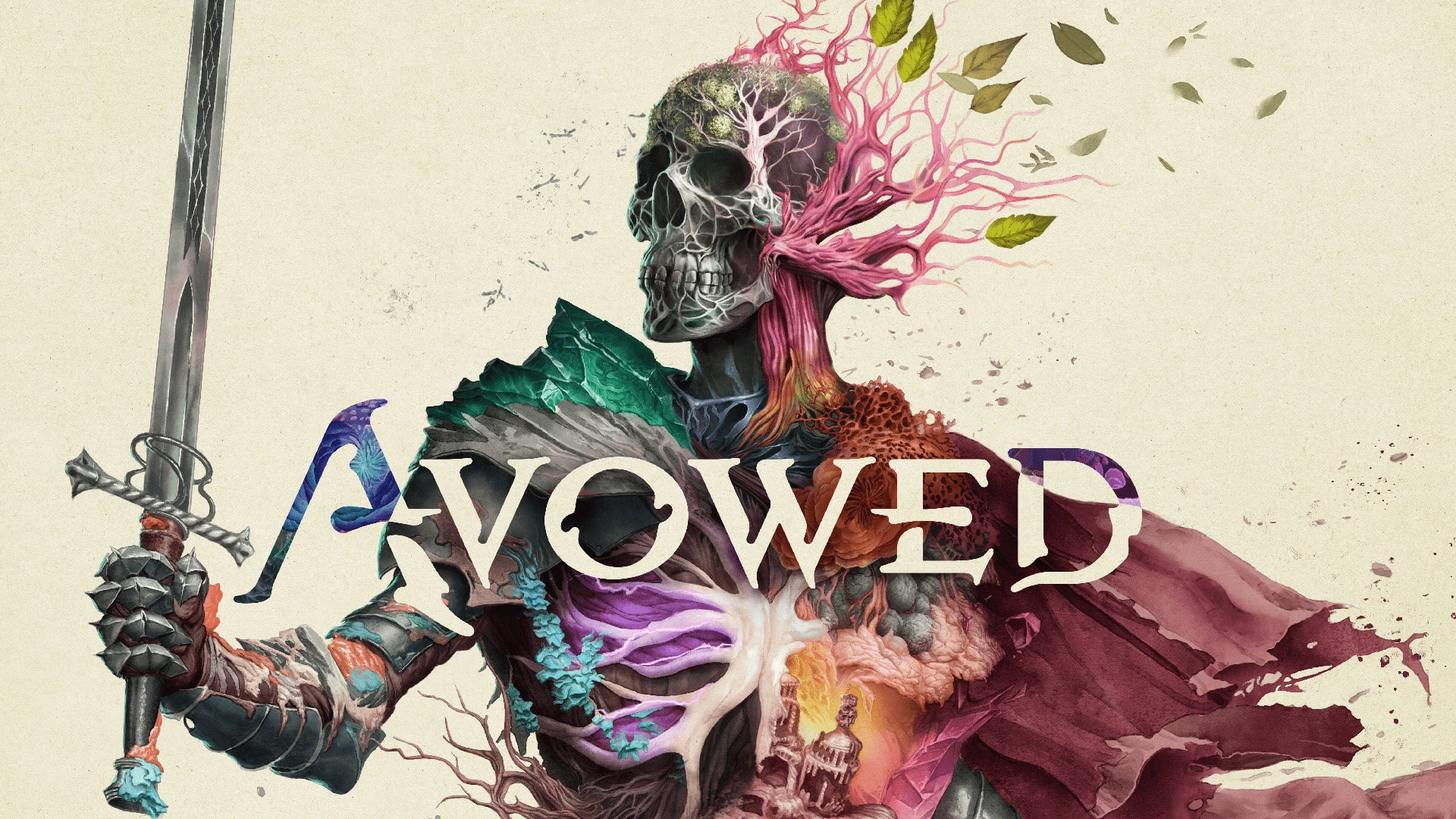
Avowed is an action RPG set in the world of Eora. Explore the Living Lands, a mysterious island plagued by a deadly disease. Use magic, melee, and ranged weapons to fight enemies, solve puzzles, and uncover ancient secrets. Your choices will shape the fate of the island and your own destiny.
Change VRAM
Change the VRAM to 6GB or above you can learn how to do that here.
Change TDP
Change the TDP to 25W or 30W. You can learn how to change your TDP here.
Avowed Legion Go Game Settings
Avowed is a demanding game that doesn’t run the greatest on the Legion Go. Fortunately people created mods to help with performance.
Someone created a mod that enables Frame Generation in the game. You can download it here.
- Extract
Engine.inifile to your%localappdata%\Alabama\Saved\Config\Windowsfolder for the Steam version. %localappdata%\Alabama\Saved\Config\WinGDKfor the GamePass version of the game.
Another was mod created to reduce stuttering and other issues that come with the game. Download the mod here.
- Extract .pak file to your Alabama\Content\Paks\~mods folder
[for GamePass should be Avowed\Content\Alabama\Content\Paks\~mods] - (create ~mods folder if you don’t have it)
Graphic Settings
 | 25/30W 1200p 8GB VRAM |
Resolution | 1920 x 1200 |
Window Mode | Windowed Fullscreen |
Frame Limit | 120 FPS |
Motion Blur | 0% |
Vsync | Off |
Ray Tracing | Off |
Upscaling | AMD FidelityFX 3 |
FSR Super Resolution | Performance |
View Distance | Low |
Shadow Quality | Medium |
Texture Quality | Epic |
Shading Quality | Low |
Effects Quality | High |
Foliage Quality | Low |
Post Processing Quality | Low |
Reflection Quality | Low |
Global Illumination Quality | Medium |
Release Date: February 18, 2025