
EA Sports FC 24 is the next chapter in football gaming, with HyperMotionV gameplay and over 19,000 fully licensed players and teams. Play in the world’s biggest competitions, including the UEFA Champions League and the Premier League.
Change VRAM
Change the VRAM to 6GB you can learn how to do that here.
Change TDP
Change the TDP to 20W or 25W. You can learn how to change your TDP here.
EA Sports FC 24 Legion Go Game Settings
At 20W 1200p, I averaged 60 FPS during gameplay and dips to 30 FPS during cutscenes and replays.


If you want to play at the Legion Go’s full resolution 2560×1600 you can put your TDP to 25W for 60+ FPS Gameplay with dips to 30 FPS during cutscenes and replays.


Graphic Settings
 | 1200p
20W 6GB VRAM | 1600p
25W 6GB VRAM |
Resolution | 1920x1200 | 2560x1600 |
Display Mode | Full Screen | Full Screen |
Refresh Rate | 144hz | 144hz |
Frame Rate | 144ps | 144fps |
Vertical Sync | Off | Off |
Dynamic Resolution Scale | Off | Off |
Cutscene Quality | Full | Full |
Strand Based Hair | Auto | Auto |
Rendering Quality | Auto | Auto |
Grass Quality | Auto | Auto |
Crowd Quality | Low | Low |
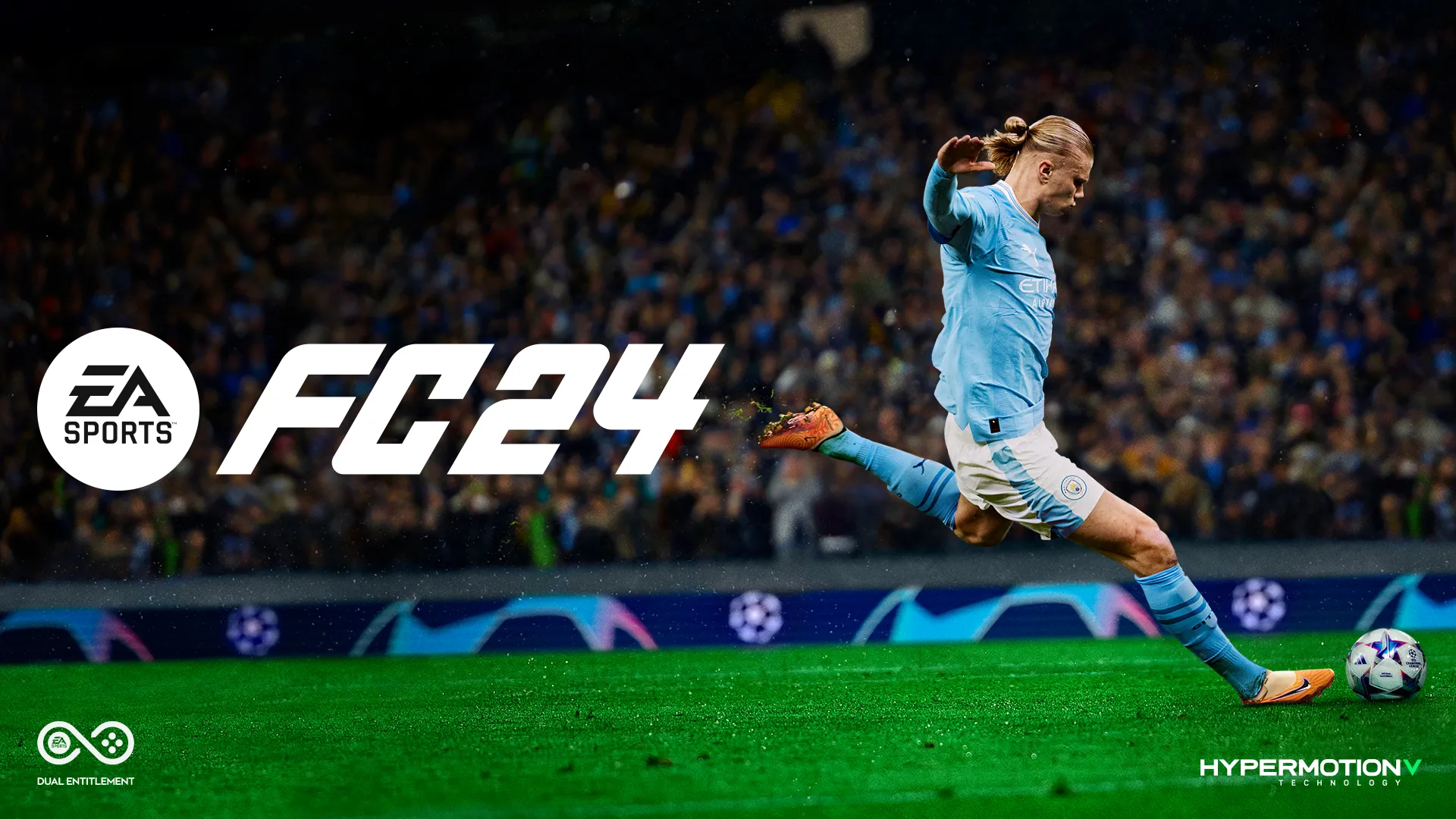
EA Sports FC 24
EA Sports FC 24 runs solid on the Legion Go.
Performance
4
Buy EA Sports FC 24