
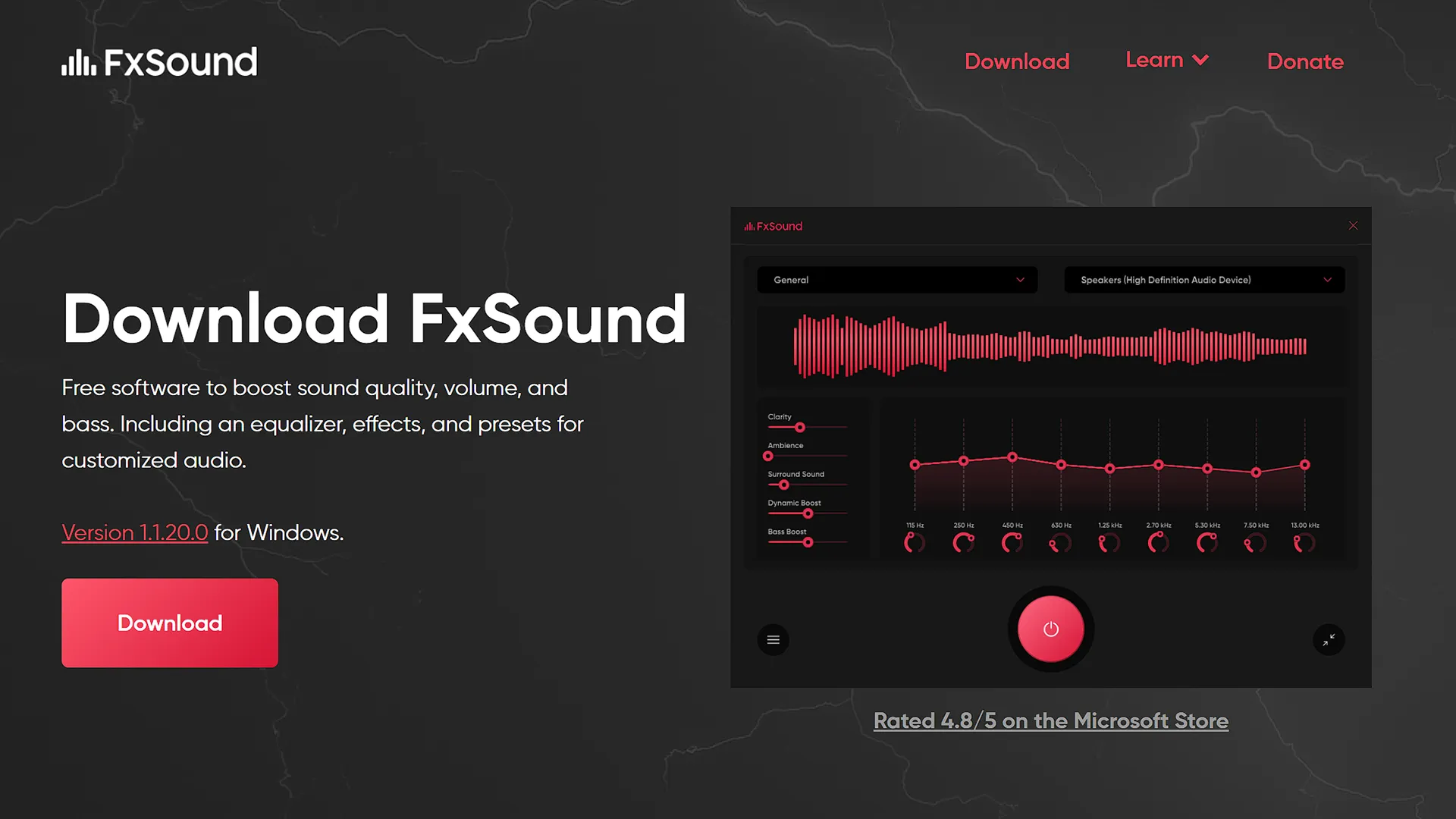
The Legion Go doesn’t have the best speakers built into them so using an audio enhancer like FxSound could go a long way to improve the audio.
FxSound is a free Windows software to improve digital sound quality on your Legion Go. Whether you want a volume booster, bass booster, better sound quality, or an easy-to-use Windows EQ, FxSound got you covered.
How To Install FxSound On The Legion Go
- Go to https://www.fxsound.com/ and download the software.
- Install FxSound and when it opens choose your sound preset, the Movies preset sounds the best to me.

- This will automatically apply every time you boot up your Legion Go.
