
Like a Dragon Gaiden The Man Who Erased His Name is a spin-off of the Like a Dragon series that follows Kazuma Kiryu as he takes on a dangerous mission to protect a mysterious man with a hidden past.
Change VRAM
Change the VRAM to 4GB you can learn how to do that here.
Change TDP
Change the TDP to 18W. You can learn how to change your TDP here.
Like a Dragon Gaiden The Man Who Erased His Name Legion Go Game Settings
FSR 3 has been added to Like a Dragon Gaiden The Man Who Erased His Name in a recent update. With it enabled, the performance is even better averaging above 60 FPS with my settings.
Graphic Settings
 | 20W
1200p 4GB VRAM |
Display Mode | Fullscreen |
Resolution | 1920 x 1200 |
Refresh Rate | 144 Hz |
V-Sync | Off |
FPS | Unlimited |
Texture Filtering | 16x |
Shadow Quality | Low |
Geometry Quality | Medium |
Realtime Reflections | On |
Motion Blur | Off |
SSAO | On |
Depth Of Field | Off |
Reflection Quality | Medium |
AMD FSR 3 | Quality |
AMD Frame Generation | On |
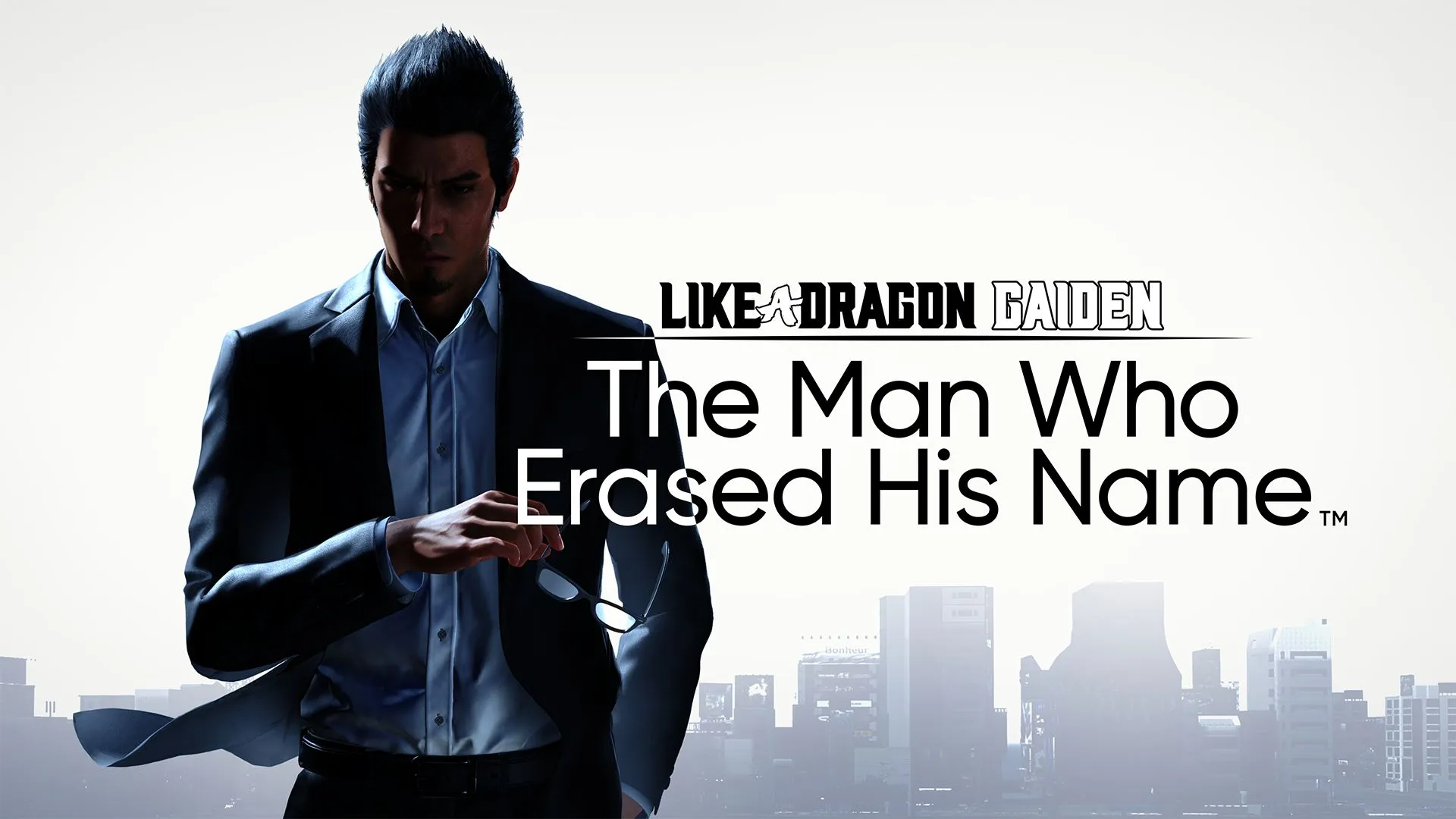
Like a Dragon Gaiden The Man Who Erased His Name
Like a Dragon Gaiden The Man Who Erased His Name runs great on the Legion Go and you can try it out now with Xbox Game Pass.
Performance
5
Buy Like a Dragon Gaiden The Man Who Erased His Name