
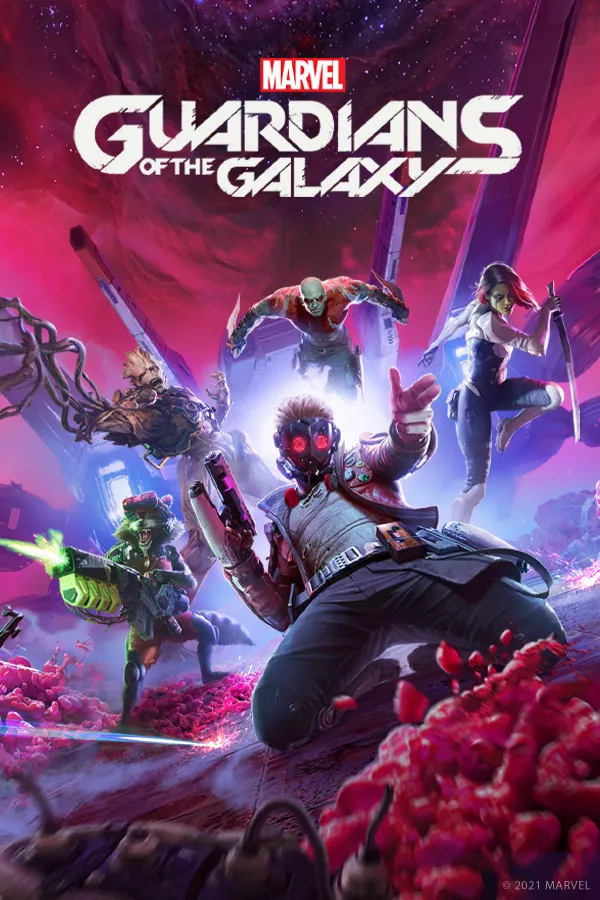
Marvels Guardians of the Galaxy let’s players take on the role of Star-Lord, the leader of the Guardians, and must lead the team on a series of adventures to save the galaxy.
Enable Integer Scaling
Enable Integer Scaling, you can learn how to enable that on the Legion Go here.

Change VRAM
Change the VRAM to 6GB you can learn how to do that here.
Change TDP
Change the TDP to 30W. You can learn how to change your TDP here.
Marvels Guardians of the Galaxy Legion Go Game Settings
Marvels Guardians of the Galaxy suffers from stuttering when entering new areas and huge FPS dips through out the game even with most of the settings set to low at 800p 30W. I averaged in between 30 to 60+ FPS depending on the area, It’s playable but don’t expect a smooth experience.


Graphic Settings
 | 30W
800p 6GB VRAM |
Fullscreen | On |
Exclusive Full Screen | On |
Resolution | 1280x800 |
Refresh Rate | 144 HZ |
VSync | Off |
Max Refresh Rate | 144 |
AMD FSR 1.0 | Off |
Dynamic Resolution Target | Off |
Resolution Scale | 100 |
Anisotropic Texture Filtering | 4X |
Level Of Detail | Low |
Shadow Quality | Low |
Texture Quality | High |
Ray-Traced Reflections | Off |
Ray-Traced Transparent Reflections | Off |
Screen Space Reflections | Off |
Motion Blur | Off |
Radial Blur | Off |
Chromatic Aberration | Off |
Lens Flare | Off |
Depth Of Field | Off |
Light Scattering | Low |

Marvels Guardians of the Galaxy
Marvels Guardians of the Galaxy suffers from some stuttering and FPS dips but it's still playable on the Legion Go.
Performance
3.5
Buy Marvels Guardians of the Galaxy