
Star Wars Outlaws is an open world action adventure game set in the Star Wars universe. The story of Kay Vess, a scoundrel looking to make her fortune and escape from the clutches of the galaxy’s criminal underworld.
Change VRAM
Change the VRAM to 8GB you can learn how to do that here.
Change TDP
Change the TDP to 30W. You can learn how to change your TDP here.
Star Wars Outlaws Legion Go Game Settings
Star Wars Outlaws is a demanding game but thanks to FSR 3 and Frame Generation it’s a playable experience on the Legion Go.
Graphic Settings
 | 25/30W 1200p 8GB VRAM |
Vertical Sync | Off |
Display Mode | Exclusive Fullscreen |
Resolution | 1920x1200 |
Frame Rate Limiter | 144 |
Upscaler Type | AMD FSR 3 |
Frame Generation | On |
Upscaler Mode | Fixed |
Upscaler Quality | Ultra Performance |
Quality | High |
Environment Reflection Quality | Medium |
Fog Blur | Off |
Microdetail Quality | Medium |
Particle Quality | Medium |
Scatter Density | Low |
Shadow Quality | Medium |
Distant Shadows | Off |
Shadow Proxies | On |
Spotlight Shadows | Moderate |
Spotlight Shadow Quality | Medium |
Deformable Terrain Quality | Medium |
Lens and Cinematic Effects Quality | Medium |
Extra Streaming Distance | 30 |
Object Detail | 100 |
Destruction Quality | Low |
Spotlight Projection Resolution | 128 |
Terrain Tesselation | Medium |
Raytraced Contact Shadows | Low |
Raytraced Diffuse Reflections | Low |
Raytraced Diffuse Reflections Resolution | Medium |
Raytraced Diffuse Specular Reflections | Low |
Raytraced Diffuse Specular Reflections Resolution | Very Low |
BVH Quality | Low |
Volumetric Fog | Low |
Volumetric Clouds | Low |
Chromatic Aberration | Off |
Film Grain | Off |
Depth Of Field | Low |
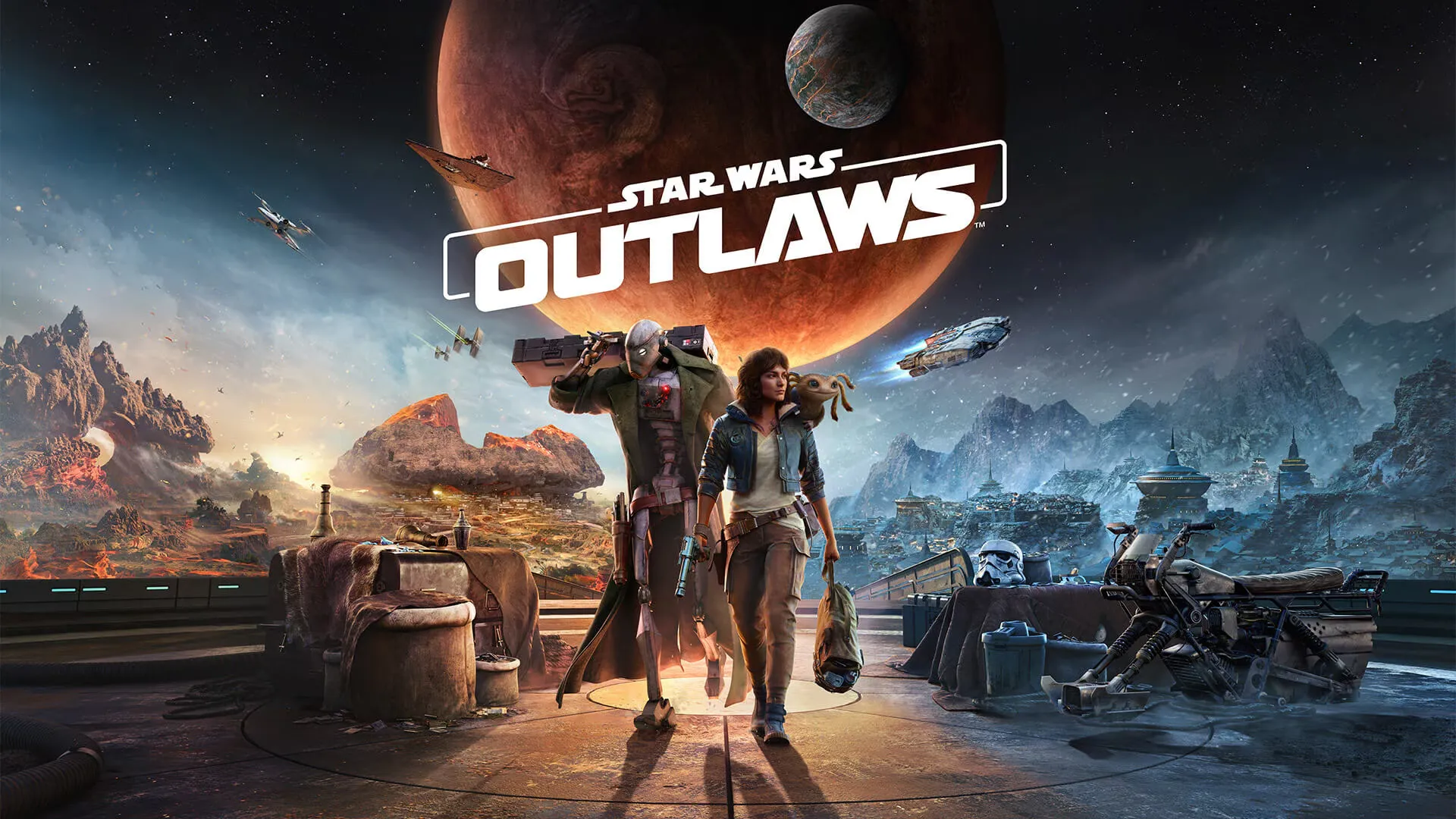
Star Wars Outlaws
Performance
3.5
Buy Star Wars Outlaws