
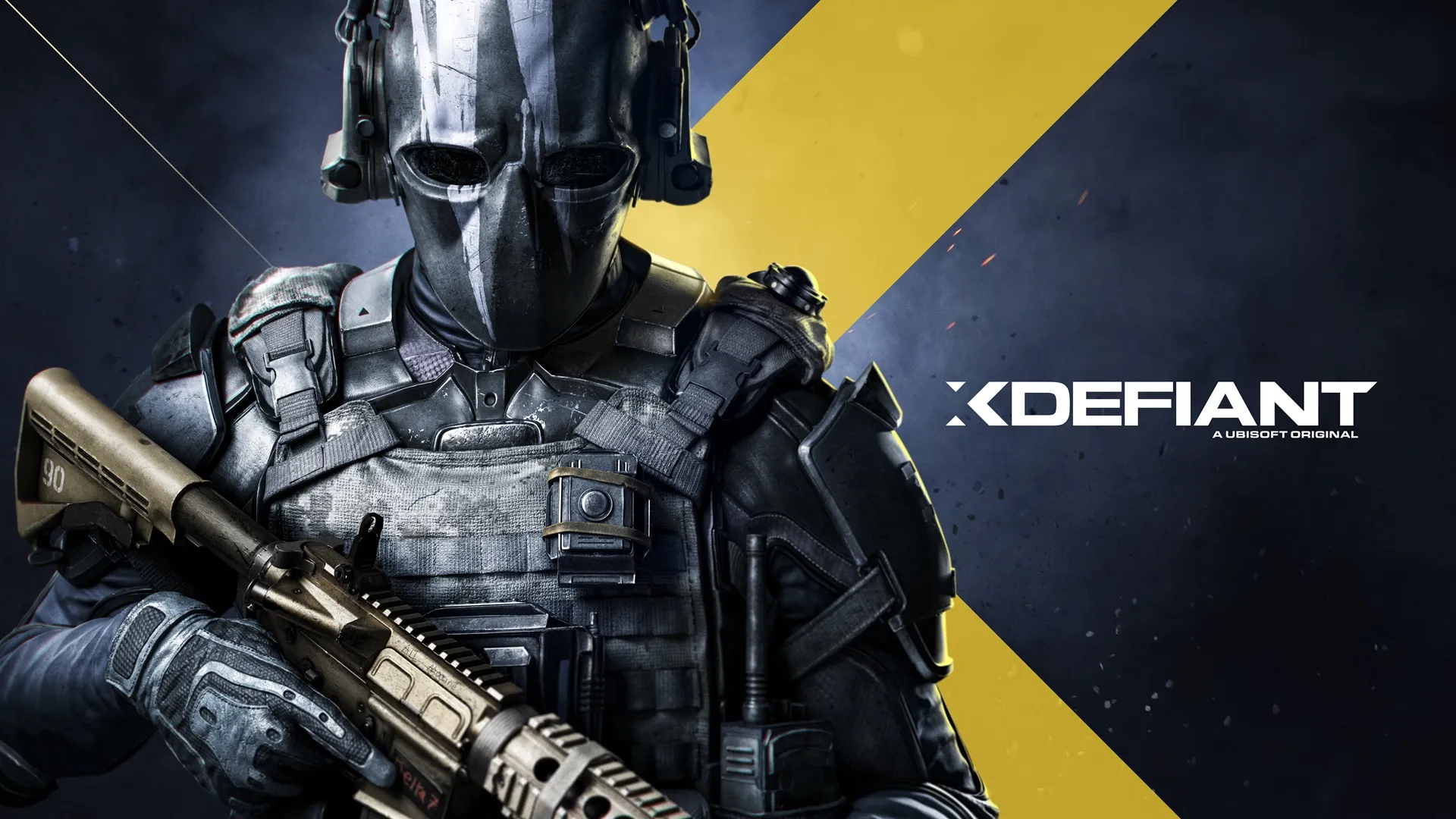
XDefiant is a free to play first person shooter where you can choose your character from different factions inspired by popular Ubisoft games like Ghost Recon, Splinter Cell, and Far Cry. Each faction has its own unique abilities and specialties.
Enable Integer Scaling
Enable Integer Scaling, you can learn how to enable that on the Legion Go here.

Change VRAM
Change the VRAM to 6GB you can learn how to do that here.
Change TDP
Change the TDP to 18, 25 or 30W. You can learn how to change your TDP here.
XDefiant Legion Go Game Settings
A fast paced competitive shooter like XDefiant require the highest FPS as possible to compete with the try hard players you will come across. To do so, I recommend playing at 800p with Integer Scaling with my settings and the TDP at 18W, 25W, or 30W depending on how much FPS you want.


Graphic Settings
 | 18/25/30W
800p 6GB VRAM |
Display Mode | Fullscreen |
Display Resolution | 1280 x 800 |
Refresh Rate | 144Hz |
Reduce Latency | On |
DX12 Renderer | On |
V-Sync Mode | Off |
Framerate Limit | On |
Custom FPS Limit | 144 |
Shadow Quality | Low |
Spot Shadows | Low |
Spot Shadow Resolution | Low |
Contact Shadows | Off |
Resolution Scale | 100% |
Particle Detail | Low |
Volumetric Fog | Low |
Global Reflection Quality | Low |
Local Reflection Quality | Off |
Vegetation Quality | Medium |
Sub-Surface Scattering | On |
Ambient Occlusion | Low |
Object Detail | 50 |
Extra Streaming Distance | 6 |
Lens Flare | Off |
Water Quality | Low |
Chromatic Aberration | Off |
Terrain Quality | Medium |
XDefiant
Performance
5
Free To Play