
Banishers Ghosts of New Eden set in 1695, where you play as a pair of experienced ghost hunters, Red and Antea, tasked with lifting a curse plaguing a community.
Change VRAM
Change the VRAM to 6GB you can learn how to do that here.
Enable Integer Scaling
Enable Integer Scaling, you can learn how to enable that on the Legion Go here.

Change TDP
Change the TDP to 18W or 25W. You can learn how to change your TDP here.
Banishers Ghosts of New Eden Legion Go Game Settings
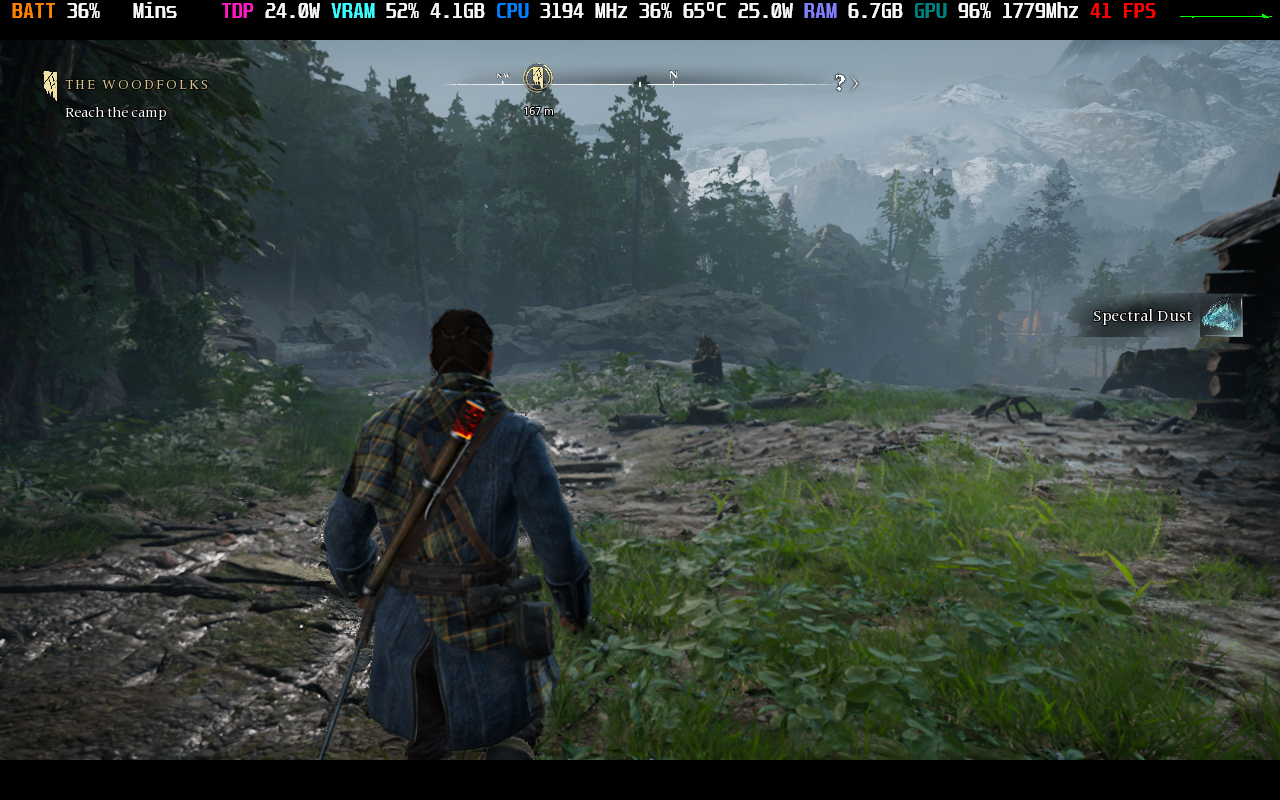
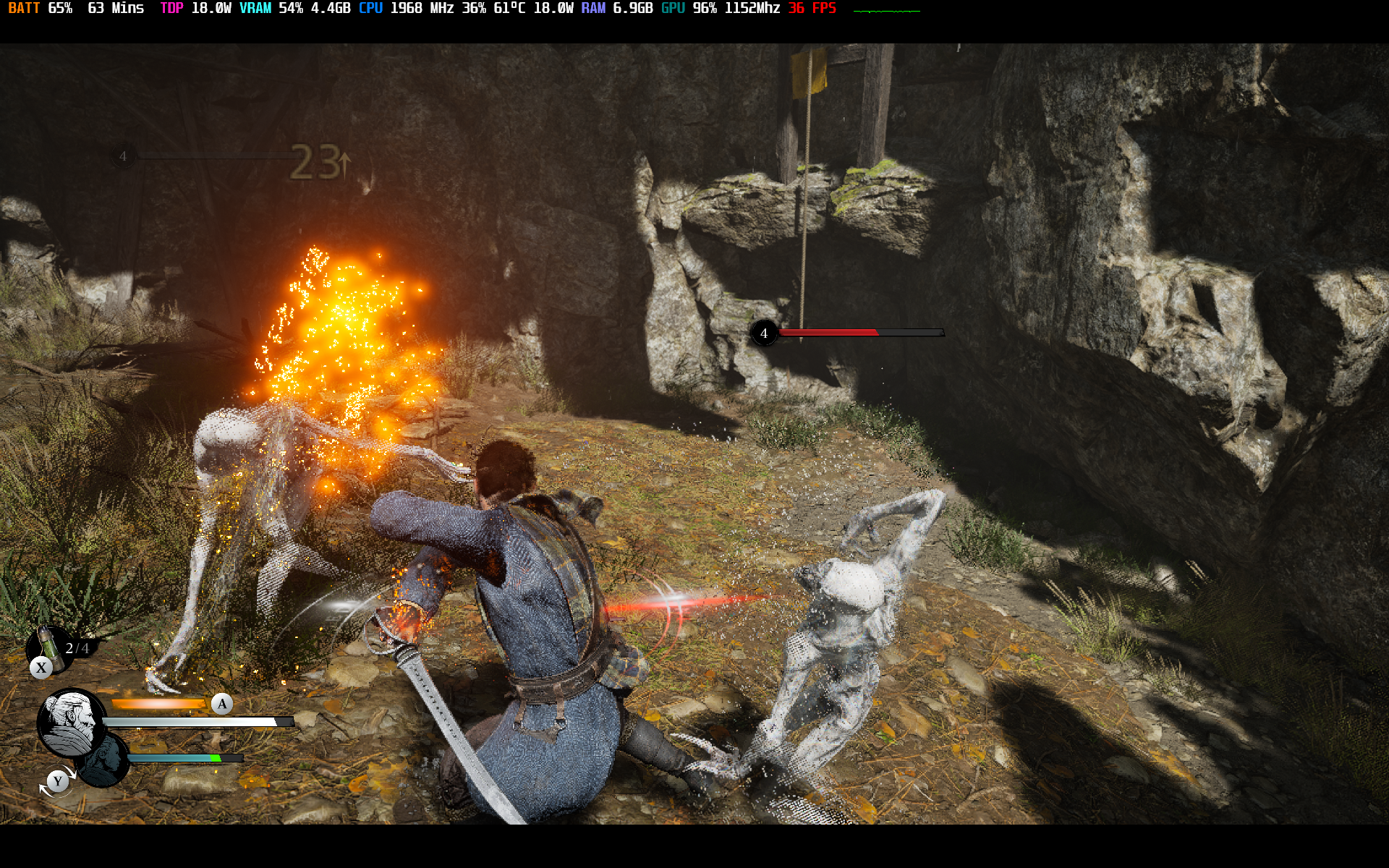
Playing at Banishers Ghosts of New Eden at 800p with Integer Scaling at 25W gave me an average of 30 to 50 FPS with a nice sharp picture. If you want more battery you can lower your TDP to 18W at 1200p with FSR and still average atleast 30 FPS with lower highs than playing at 25W.


Graphic Settings
 | 18W
1200p 6GB VRAM | 25/30W
800p 6GB VRAM |
Display Mode | Borderless | Fullscreen |
Screen Resolution | 1920x1200 | 1280x800 |
Maximum Frame Rate | 120 | 48 FPS |
Vertical Synchronization | Off | Off |
Anti-Aliasing / Upsampling | AMD FSR 2.2 | TAA |
FSR 2 Quality | Balanced
| Off |
Motion Blur | Off | Off |
View Distance Quality | Medium | High |
Foliage Quality | Medium | Medium |
Texture Quality | High | High |
Effects Quality | Medium | Medium |
Shadow Quality | Low | Low |
Post Process Quality | Medium | Medium |
Anti-Aliasing | Off | High |

Banishers Ghosts of New Eden
Performance
4
Banishers Ghosts of New Eden