
Ultros lets you play as Ouji, stranded on a colossal cosmic entity called “The Sarcophagus” which harbors an ancient evil named Ultros. You’re trapped in a time loop within a black hole, and must explore the Sarcophagus and its inhabitants to break free.
Change VRAM
Change the VRAM to 4GB you can learn how to do that here.
Change TDP
Change the TDP to 13W. You can learn how to change your TDP here.
Ultros Legion Go Game Settings
Ultros runs perfect on the Legion Go at native 1600p at 13W averaging 60 FPS. This game is gorgeous on the Legion Go display, I suggest giving it a try.
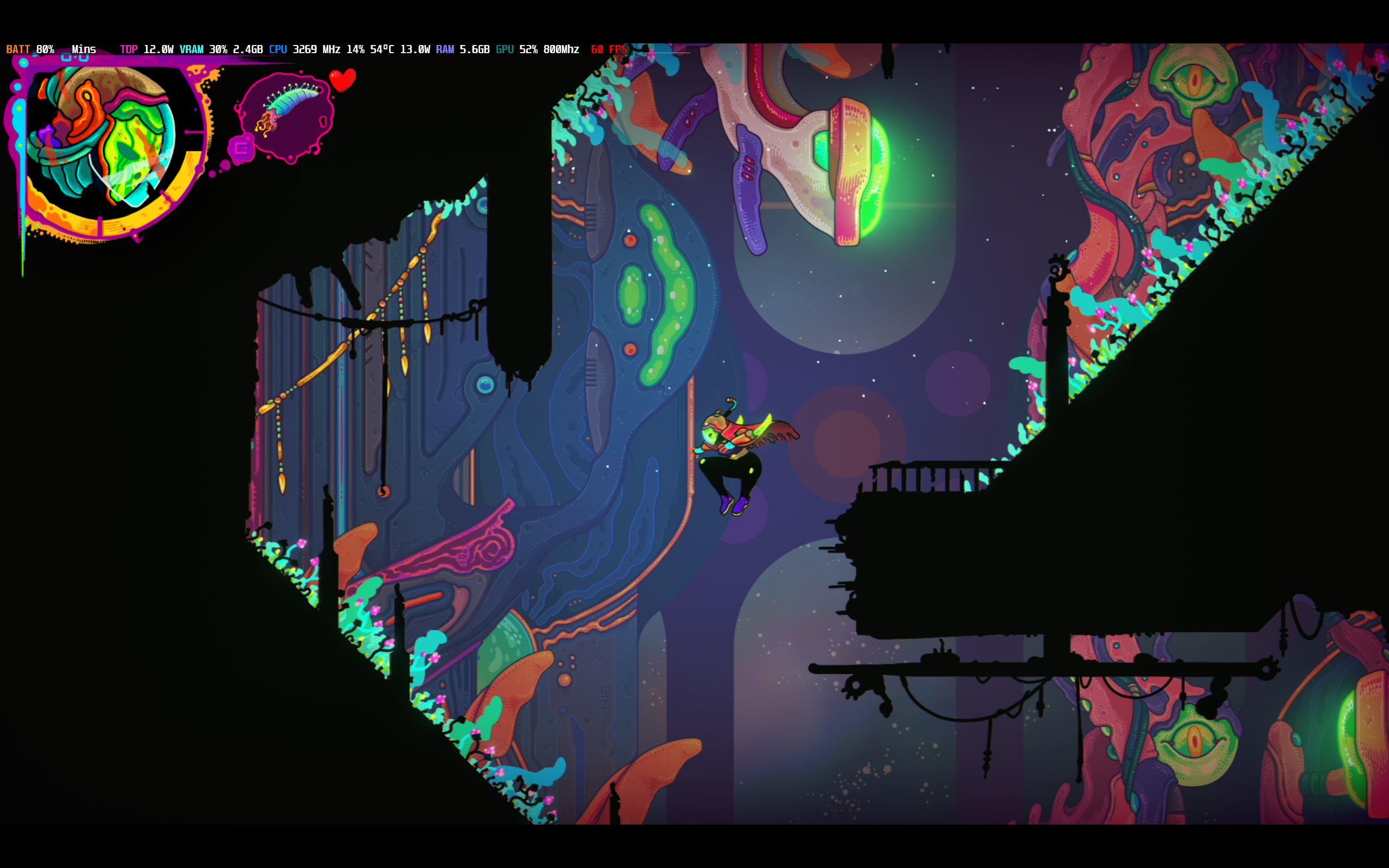
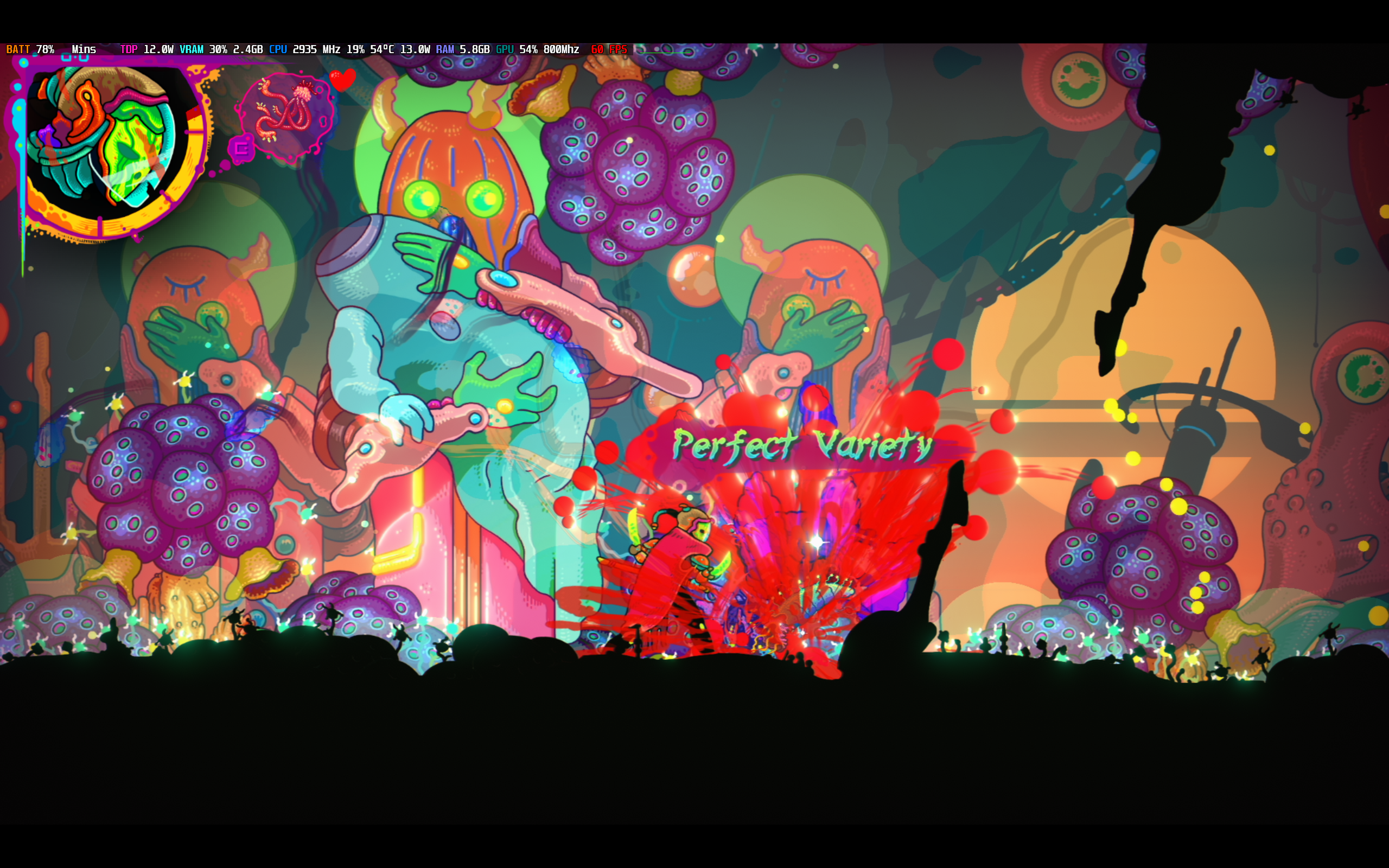
Graphic Settings
 | 13W
1600p 4GB VRAM |
Resolution | Sharp |
Screen Mode | Full Screen |
VSync | Off |
Max Framerate | 60 |
Power-Saving Framerate | 60 |
Bloom | On |
Chromatic Aberration | Off |
Vignette | On |
Color Grading | On |
Scanlines | Off |
Bleed | On |

Ultros
Performance
5
Buy Ultros