
Grand Theft Auto V is an open-world crime game where players engage in heists, missions, and explore a sprawling city, Los Santos, while controlling three main characters with intertwining storylines.
Change VRAM
Change the VRAM to 6GB you can learn how to do that here.
Change TDP
Change the TDP to 20, 25W or 30W. You can learn how to change your TDP here.
Grand Theft Auto V Legion Go Game Settings
You can play GTA V in multiple ways on the Legion Go. Playing at 1200p at 20W for extra battery or 25W for a little more performance will give you a smooth 50 to 60+ FPS with the highs occurring while playing at 25W.


If you want to play at native 1600p at 30W with the same settings you will average 40 to 60 FPS which isn’t really bad either.


Graphic Settings
 | 20/25/30W
1200p/1600p 6GB VRAM |
DirectX Version | DirectX 11 |
Resolution | 1920x1200 |
Refresh Rate | 144hz |
FXAA | On |
VSync | Off |
Population Density | 5 |
Population Variety | 5 |
Distance Scaling | 5 |
Texture Quality | Very High |
Shader Quality | High |
Shadow Quality | Normal |
Reflection Quality | High |
Reflection MSAA | Off |
Water Quality | High |
Particles Quality | Normal |
Grass Quality | High |
Soft Shadows | Softer |
Post FX | High |
Anisotropic Filtering | X8 |
Ambient Occlusion | Normal |
Tessellation | High |
Long Shadows | Off |
High Resolution Shadows | Off |
High Detail Streaming | On |
Extended Distance Scaling | 0 |
Frame Scaling Mode | Off |
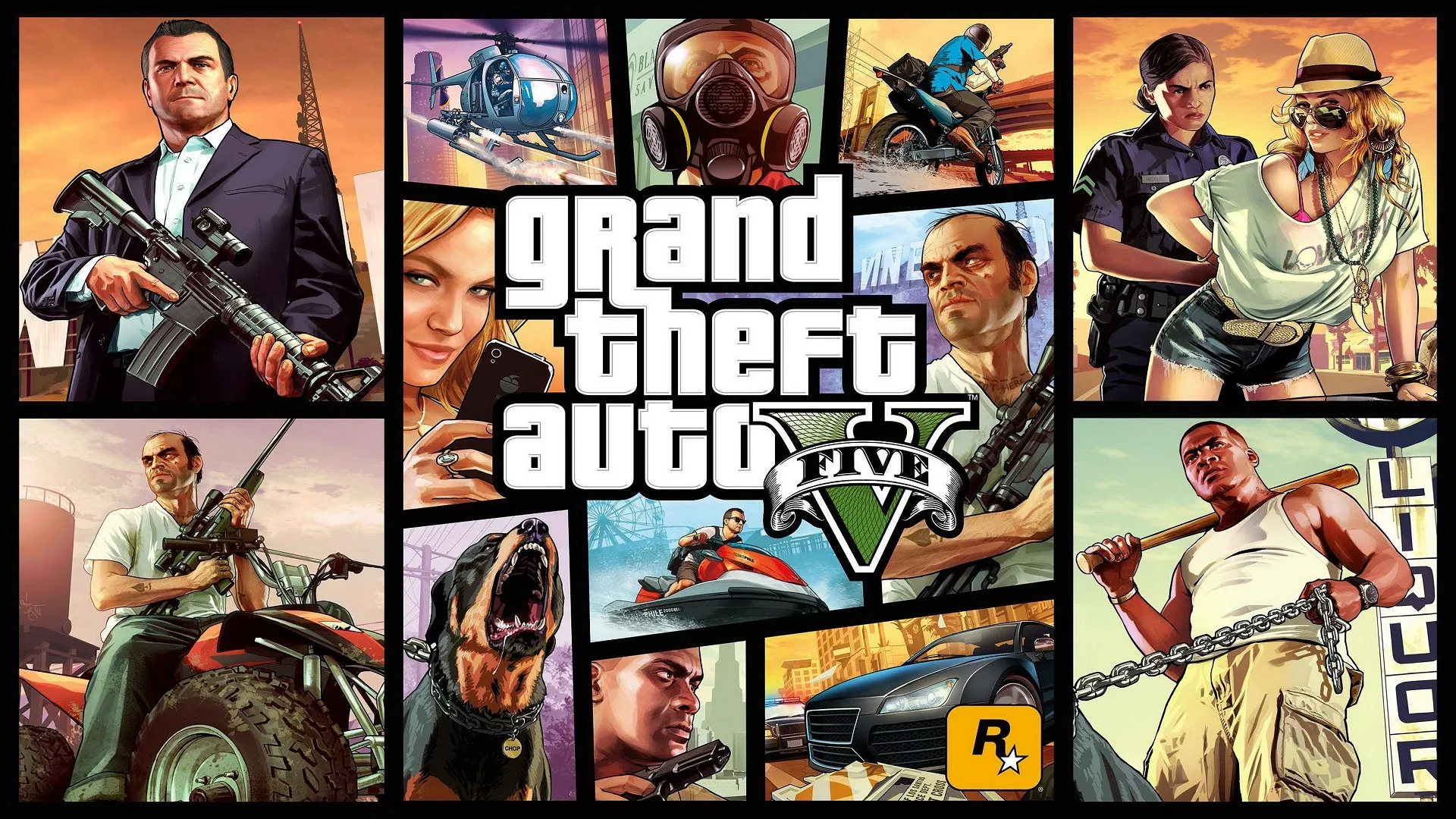
Grand Theft Auto V
Replaying the great GTA V on the Legion Go is a great experience.
Performance
5
Buy Grand Theft Auto V