
Ratchet And Clank Rift Apart is a 3D platformer that follows Ratchet and Clank as they travel through different dimensions to stop Dr. Nefarious from destroying the multiverse.
Enable Integer Scaling
Enable Integer Scaling, you can learn how to enable that on the Legion Go here.

Change VRAM
Change the VRAM to 6GB you can learn how to do that here.
Change TDP
Change the TDP to 25 or 30W. You can learn how to change your TDP here.
Ratchet And Clank Rift Apart Legion Go Game Settings
Ratchet And Clank Rift Apart recently received an update that added official FSR 3 and Frame Generation support. Enabling Frame Generation gives the game a performance boost in FPS but does add some input lag in the process. Overall it’s a much playable experience now at 800p but there are still some stuttering during gameplay.
Display Settings
 | Settings |
Window Mode | Fullscreen |
Display Resolution | 1280x800 |
VSYNC | Off |
Frame Generation | On |
Upscale Method | Off |
Upscale Quality | Off |
Upscale Sharpness | Off |
Dynamic Resolution Scaling | Off |
Anit-Aliasing | AMD FSR 3 Native AA |
Graphic Settings
| 30W 800p 6GB VRAM |
Texture Quality | Medium |
Texture Filtering | 2X |
Shadow Quality | Low |
Ambient Occlusion | SSAO |
Screen Space Reflections | Off |
Level Of Detail | Low |
Traffic Density | Low |
Hair Quality | Low |
Weather Particle Quality | Medium |
Phantom Dash Effect | On |
Depth Of Field | Off |
Bloom | Off |
Chromatic Aberration | Off |
Vignette | Off |
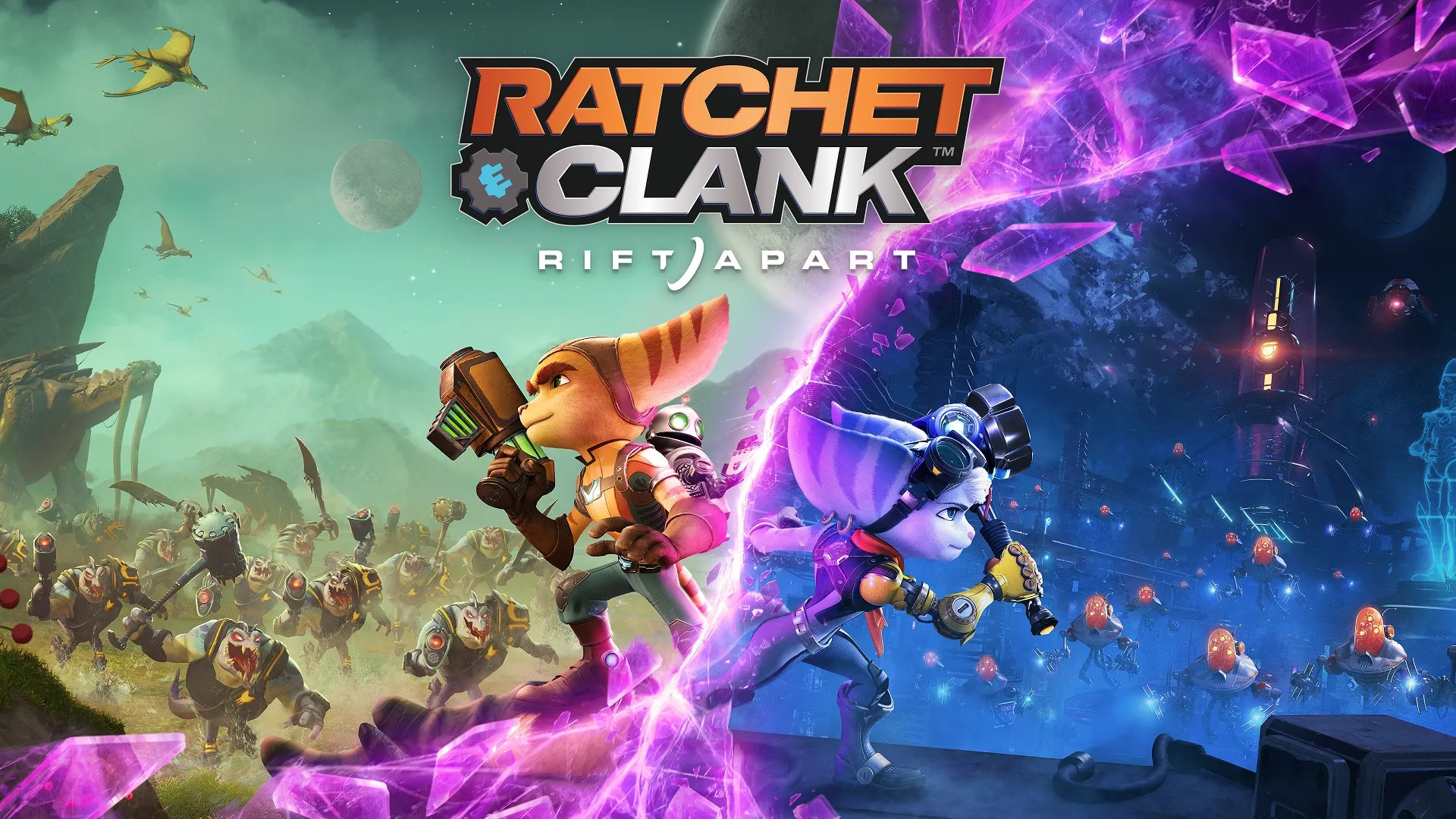
Ratchet And Clank Rift Apart
Overall, Ratchet and Clank is a playable experience on the Legion Go but it could be better.
Performance
3.5
Buy Ratchet And Clank Rift Apart