
Marvels Spider-Man 2 is an action-adventure game where you play as both Peter Parker and Miles Morales. Swing through New York City, battle iconic villains like Venom, and experience thrilling gameplay with unique powers for each Spider-Man.
Change VRAM
Change the VRAM to 8GB you can learn how to do that here.
Change TDP
Change the TDP to 25-30W. You can learn how to change your TDP here.

Marvels Spider-Man 2 Legion Go Game Settings
Marvels Spider-Man 2 did not launch on the PC in great shape. The game currently suffers from performance such as crashing, stuttering and just overall weaker performance than the previous two games to release on PC. Also, the current drivers that is available for the Legion Go are outdated.
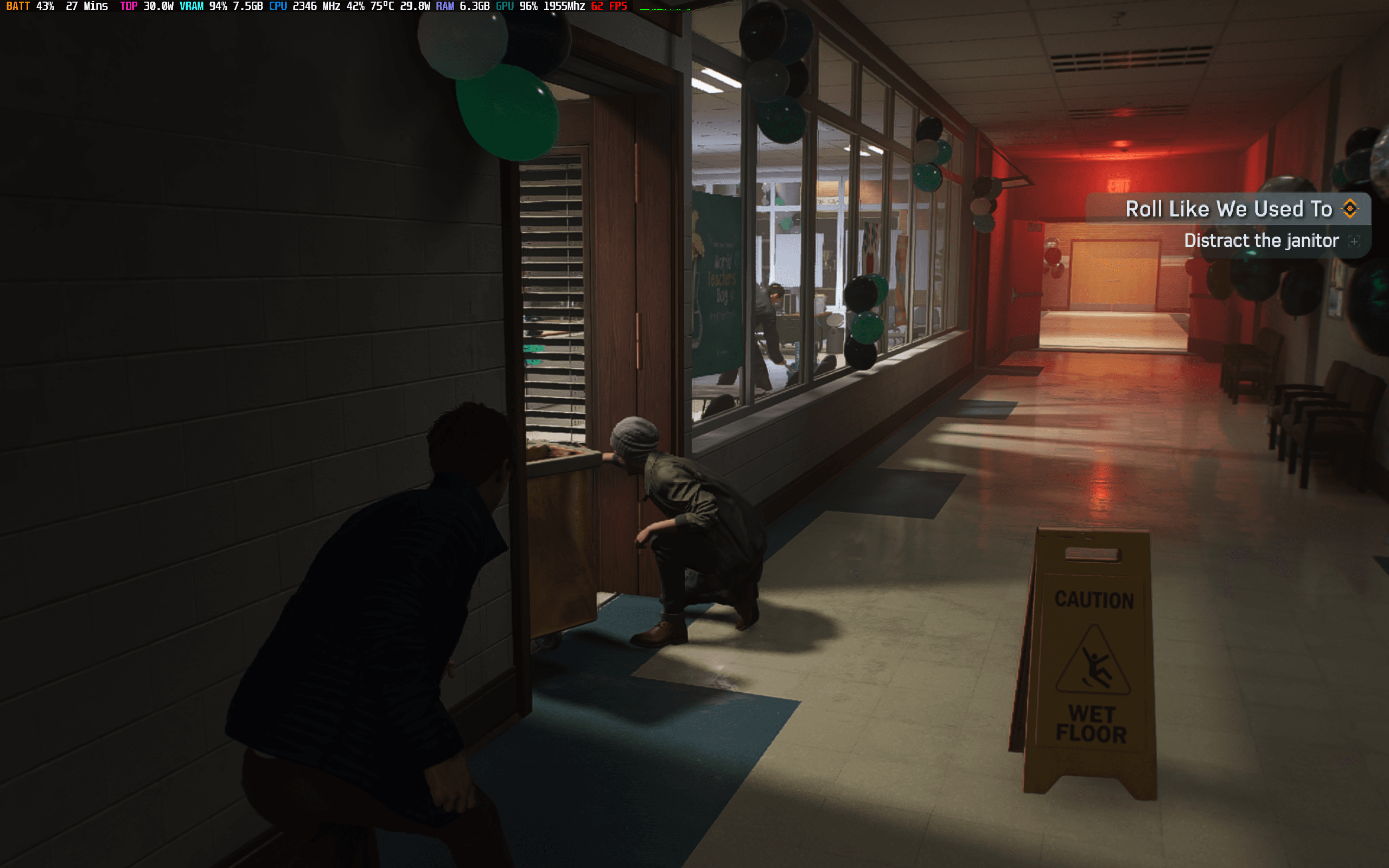
Regardless of the issues, the game is still playable with my settings at 25/30W hovering between 40 and 60 FPS with some rare dips to the 30’s during intensive action cutscenes.

Graphic Settings
 | 25/30W 1200p 8GB VRAM |
Window Mode | Fullscreen |
Display Resolution | 1920x1200 |
VSync | Off |
AMD Anti-Lag 2 | On |
Frame Generation | FSR 3.1 |
Upscale Method | XeSS |
Upscale Quality | Balanced |
Dynamic Resolution | Off |
Texture Quality | Medium |
Texture Filtering | 16X |
Shadow Quality | Low |
Ambient Occlusion | SSAO |
Screen Space Reflections | Low |
Ray Tracing | Off |
Level Of Detail | Low or Medium |
Traffic Density | Medium |
Crowd Density | Low |
Hair Quality | Medium |
Weather Particle | Low |
Depth Of Field | Off |
Bloom | On |
Chromatic Aberration | Off |
Vignette | Off |

Release Date: January 30, 2025